

Comfortable Office Chairs: How to Choose One That Keeps You Comfortable All Day
- Updated:
About the author:

Mike Karle
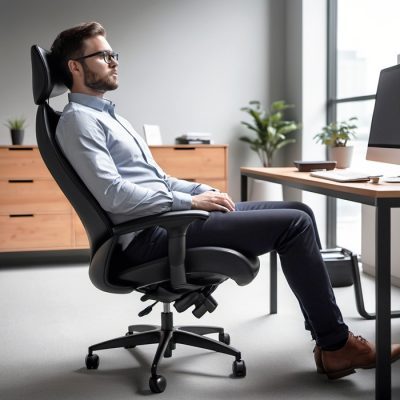
“Create Healthy Workspaces”
Your office chair shouldn't leave you with an aching back, stiff shoulders or tired legs at the end of the day. If it does, the problem may not be how long you sit, it may be the chair itself. A truly comfortable office chair supports your body, encourages good posture and adjusts to fit your shape. If you spend long hours at your desk, choosing the right office chair can make a noticeable difference to your comfort and wellbeing.
What Makes an Office Chair Comfortable?
Many people assume comfort comes from a thick, soft seat cushion and a huge backrest upholstered in luxurious leather. In reality, long-term comfort comes from proper support. Think about your car seat. It feels firm and supportive rather than overly soft because it is designed to keep your body in the correct position for hours at a time. The same principle applies to an ergonomic office chair. A comfortable office chair should:
- Support the natural curve of your spine
- Distribute your weight evenly
- Reduce pressure on your hips and thighs
- Allow movement throughout the day
- Adjust to fit your body rather than forcing your body to fit the chair.
When your chair fits correctly, your muscles work less to support your posture, reducing fatigue and discomfort throughout the day.

Use our CHAIR SELECTOR to help you choose the most comfortable office chair.
Why Do So Many Office Chairs Become Uncomfortable?
If you've ever purchased an office chair that felt wonderful in the showroom but uncomfortable after a few weeks, you're not alone. The most common reasons include:
- The seat is too deep or too shallow.
- The lumbar support doesn't match your lower back.
- The seat and/or backrest angle cannot be adjusted to suit your body shape and sitting style.
- The seat foam or mesh loses its support.
- The chair simply isn't designed for your body shape.
Like a pair of shoes, comfort isn't about how a chair feels during the first five minutes. It's about how you feel after eight hours.
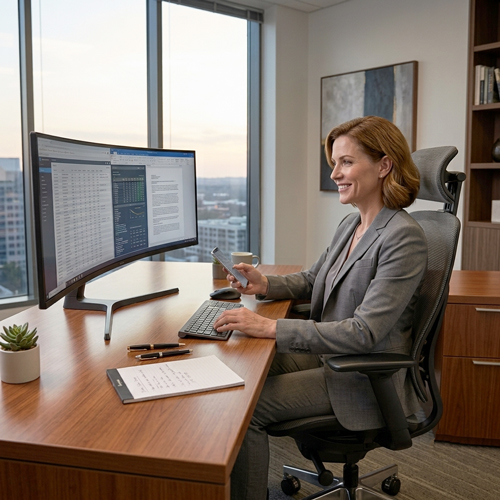
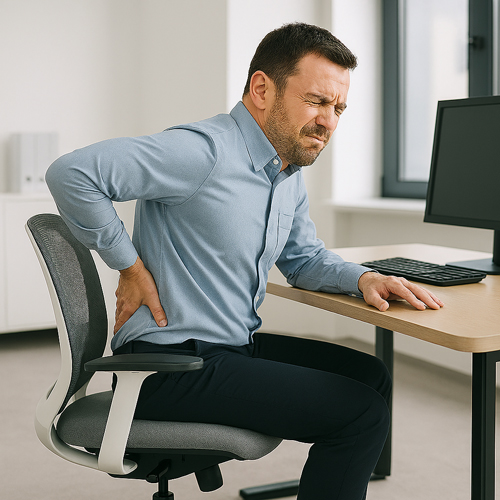
Is Your Office Chair Causing Your Discomfort?
If you regularly experience:
- lower back pain
- stiff shoulders
- numb legs
- neck tension or
- fatigue after sitting,
your chair may not be supporting your body correctly. A properly fitted ergonomic office chair can help reduce these problems by supporting your spine, encouraging healthy posture and allowing movement throughout the day.
For more than 40 years, we've helped thousands of South Africans choose ergonomic office chairs for home offices, businesses, call centres and corporate workplaces. One lesson stands out: long-term comfort has very little to do with price or soft cushioning. It comes from choosing a chair that fits your body and supports the way you work.
Buy Comfortable Office Chairs
The 8 Features Every Comfortable Office Chair Should Have
1. Seat Height Adjustment
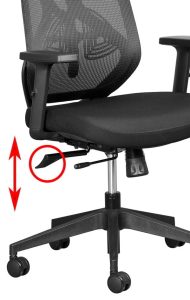
The office chair seat height should be easily adjustable. A gas height adjustment lever is the easiest way to achieve this.
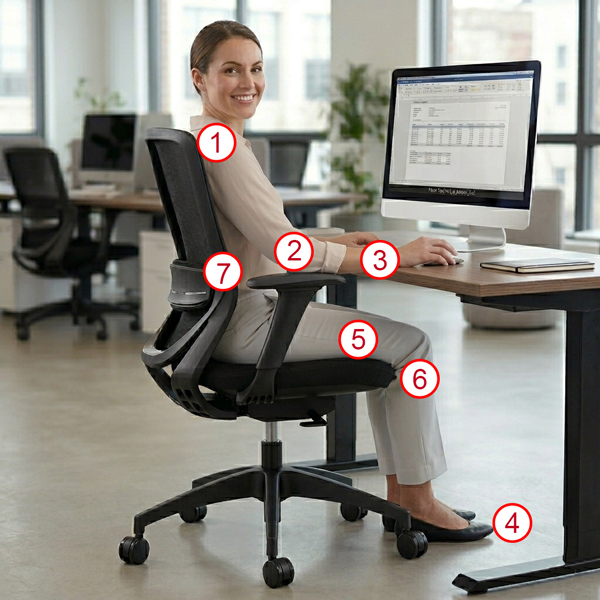
A seat height adjustment range between 41cm and 53cm should work effectively for most individuals. This range allows you to position yourself in a manner that ensures your feet are flat on the ground, while your thighs are slightly sloping downwards towards your knees. Achieving this posture is essential for maintaining comfort and reducing fatigue during long periods of sitting. In a perfect world, you should be able to attain this ideal sitting position without the need for a footrest. For improved comfort, a height adjustable standing desk should be part of this ideal solution, offering you the flexibility to alternate between sitting and standing throughout your working day. Ergonomics of a Standing Desk
What is the correct height for my desk, computer monitor and office chair? This question is crucial for ensuring that your workspace is set up optimally to promote good posture and reduce strain.
2. Seat Width and Depth
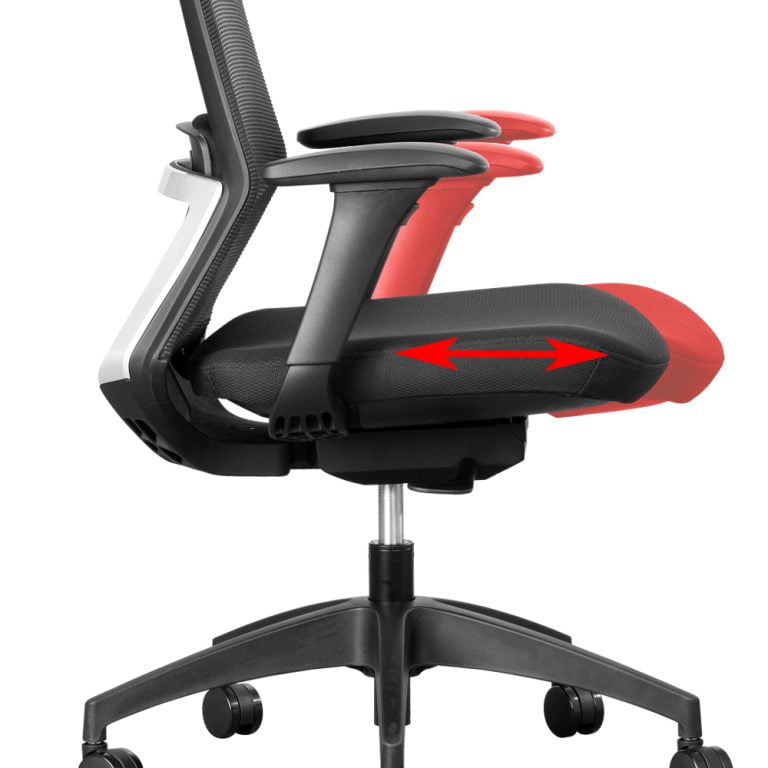
The seat on the office chair should have enough width and depth to provide comfortable support. A width of 43cm – 50cm is standard. The depth of the seat (from the front to the back of the seat), should allow you to sit with your back against the backrest while leaving a gap between the back of your knees and the front edge of the seat that is approximately the size of your fist.
To provide greater comfort, office chairs with seat depth adjustment are becoming very popular. Shorter people often perch on the front of the seat, getting no support from the backrest. If you are short, you may need to reduce the seat depth. This will allow you to use the backrest correctly and reduce pressure on the back of your thighs.
If you have long legs, seat depth adjustment will allow you to support your thighs correctly. See our Range of Office Chairs with Seat Depth Adjustment.
3. A Moulded Seat Foam is Essential for a Comfortable Office Chair
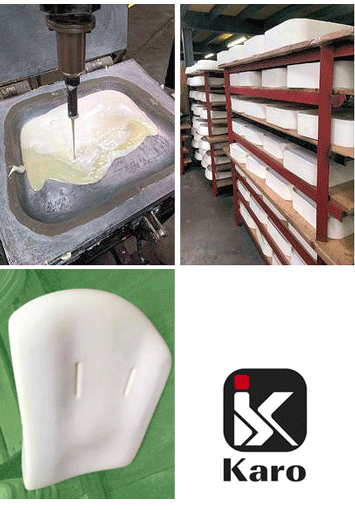
The comfort of your seat should not be determined the moment you sit down. Sitting on a chair with soft, thick foam might initially feel like heaven on earth, but after sitting all day you may feel quite different.
High-quality moulded foam maintains its shape, distributes pressure more evenly and provides consistent support throughout the day.
A comfortable office chair that is used for long hours must have a moulded foam seat. Just like a car seat, this must provide firm support where needed, and not result in excess pressure on the thighs which inhibits blood flow to the lower legs.
4. Dynamic Sitting is a 'Must Have'
For greater comfort, your chair should have a mechanism that enables Dynamic Sitting.
Dynamic Sitting occurs when you continuously change the angle between your back and thighs when you sit, or in other words, the angle between the seat and backrest on your office chair.
- By doing so, you automatically stimulate, or activate various muscles in your lower back, core and legs.
- As a result, the blood flow through these muscles increases, bringing oxygen and other nutrients to the muscles and carrying away the waste products of muscle metabolism.
- This action improves comfort and reduces muscle fatigue and its associated pain, particularly in the lower back, core and legs.
- Dynamic Sitting is only possible when an office chair is fitted with either a Synchronous (synchro) or Free-Float swivel mechanism. All our Ergonomic Chairs have a synchronous mechanism, while a free-float mechanism is standard on all Orthopedic Chairs.
5. Adjustable Lumbar Support
Lower back support is very important in a comfortable office chair. The lumbar spine has an inward curve and sitting for extended periods of time without proper lumbar support leads to slouching, resulting in excessive stress in the lower back.
- Adjustable lumbar support allows you to position the support exactly where your spine needs it.
- For people with lower back pain, this is often one of the most important adjustments on the chair.
6. Backrest
The most comfortable executive office chair, especially if you are going to use it for long hours, will have a backrest 30cm – 48cm wide. It should be adjustable in angle and height (if the lumbar adjustment cannot be height adjusted). It should be able to support the natural curve of your spine, again with special attention paid to proper support of the lumbar region.
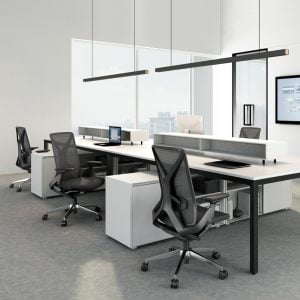
Both mesh and upholstered backrests are popular, and really it’s a matter of personal choice.
- Mesh chairs are more modern with their slim design and stylish looks. A good mesh backrest moulds itself to the shape of your back and allows your body to breathe.
- Upholstered chair backrests are often not as comfortable in a hot climate, especially if you don’t have an air conditioned office.
Neither option is automatically more comfortable. The quality of the support is far more important than the material.
Do modern mesh back office chairs give you the best back support?
7. Adjustable Armrests
Office chair armrests should be adjustable. They should allow your arms to rest comfortably and your shoulders should be relaxed. Your elbows and lower arms should rest lightly on the pads and your forearms should not be on the armrest when using a keyboard.
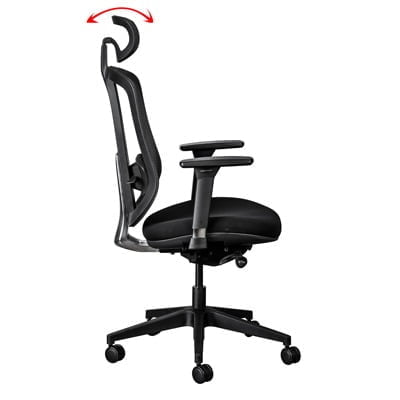
8. Headrest (optional)
A headrest can add to your comfort if you need additional neck and/or head support.
Headrests are particularly helpful for people with neck and shoulder problems, and they allow the muscles in this area to relax, thereby increasing the blood flow.
The most comfortable headrest on an executive office chair can both rotate and adjust vertically.
Headrests are also great when taking a few minutes to lean back to relax, for example while talking to a colleague or on the phone. How do I choose the right ergonomic desk chair for me?
Ready to upgrade to a comfortable office chair?
Frequently Asked Questions
a. What is the most comfortable office chair?
The most comfortable office chair is one that adjusts to your body. Features such as lumbar support, seat depth adjustment, moulded foam and adjustable armrests generally have a greater impact on comfort than thick padding.
b. Are mesh office chairs comfortable?
Yes. A quality mesh backrest provides excellent support while allowing air to circulate, making it particularly comfortable in warmer environments.
c. Can an office chair reduce back pain?
A properly adjusted ergonomic office chair can reduce the strain that contributes to back discomfort. While no chair can treat medical conditions, good ergonomic support helps promote healthier sitting posture.
d. Is a headrest necessary?
Not always. If you spend most of your time typing, you may rarely use one. However, people who regularly lean back during phone calls or meetings often find a headrest improves comfort.
e. How long should a good office chair last?
A quality ergonomic office chair should provide many years of reliable service. Chairs manufactured with commercial-grade components and moulded foam typically maintain their support far longer than lower-cost alternatives.
Ready to Find Your Most Comfortable Office Chair?
The best office chair isn't necessarily the most expensive one, it's the one that fits your body, supports your posture and keeps you comfortable throughout the working day. If you're unsure which model is right for you, start with our Chair Selector. By answering a few simple questions about your height, work style and ergonomic requirements, you'll receive personalised recommendations to help you choose with confidence.
When your chair fits properly, you're free to focus on your work instead of your discomfort.
By the same author:
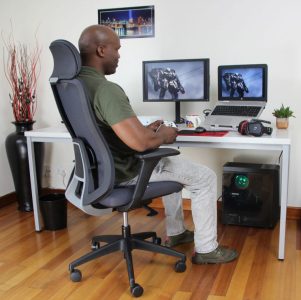

The Ultimate Guide to Choosing the Best Computer Chair
To reduce back and neck pain, there are 7 important features should you be looking for when selecting a computer chair for work or gaming.
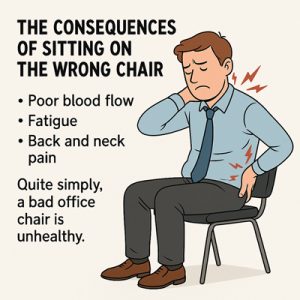
The 5 consequences of sitting on the wrong chair
The consequences of sitting on the wrong chair include poor blood flow, fatigue, back and neck pain. Quite simply, a bad office chair is unhealthy.
Remote Work: The Pros and Cons
Remote work has gained a lot of traction globally and in South Africa, but what is it, and what are the pros and cons?