

How to Choose the Best Office Chair: 6 Questions to Ask Before You Buy
- Updated:
About the author:

John Karle
“Create Healthy Workspaces”
If you spend most of your day sitting, the wrong office chair can contribute to back pain, neck strain, fatigue and poor posture. Trying to choose the best office chair can feel overwhelming, especially because they all look similar. The best office task chair is not necessarily the most expensive one, but rather the one that matches your body, workstation, working habits and support requirements.
Before buying an office chair, answer these six questions. Doing so will quickly eliminate unsuitable options and help you choose a chair that supports your health and wellbeing for years to come.
Quick Summary: How to Choose the Best Office Task Chair
The best office chair is one that matches your body size, workstation setup, daily sitting time and support requirements. Before buying a new chair, ask yourself:
- Do I have existing back, neck or shoulder pain?
- Is the chair suitable for my weight?
- Is the chair suitable for my desk or workstation?
- How many hours will I use the chair each day?
- What ergonomic adjustment features are essential for my body shape?
- What is my budget?
Since 1986, we have assisted organisations across South Africa with ergonomic seating solutions for thousands of employees, and one of the most common mistakes we encounter is choosing a chair based solely on appearance or price. In most cases, workstation compatibility and adjustability have a far greater impact on comfort than the chair’s appearance.
Remember: There is no single “best” office chair for everyone. The right chair depends on your body dimensions, workstation setup, working hours and individual support requirements.
Before buying a new office chair, ask yourself the following questions:
1. Do I suffer from any musculoskeletal pain?
A common type of musculoskeletal pain is lower back pain. Neck, shoulder, hip and knee pain can also be classified as such. Musculoskeletal pain affects the bones, muscles, tendons, ligaments and nerves.
If the pain occurs only from sitting, then this can normally be dealt with by choosing the correct office chair, in conjunction with setting up your workstation correctly. Your workstation includes your chair, desk, computer, keyboard, mouse, lighting, telephone and anything else that you use during your working day.
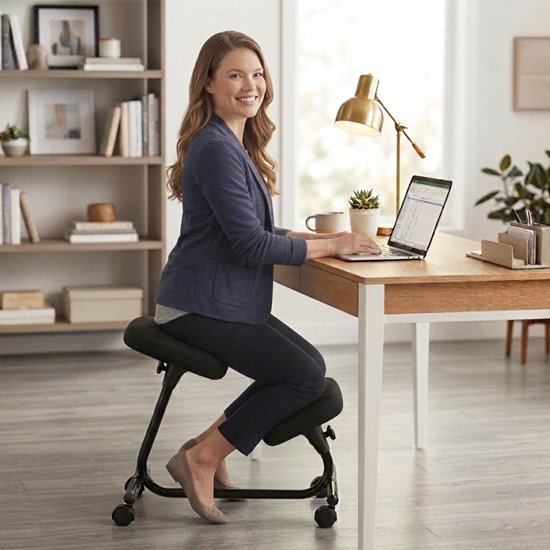
If you have had surgery to your back, neck, hip or knee, then there may be certain seated positions which result in pain. For example, if you have had a knee operation, then using a kneeling chair may result in additional pain. Contact your medical practitioner to confirm if there are any seated positions that you need to avoid. If so, then it could impact your choice of an office chair.
Which type of chair should you choose?
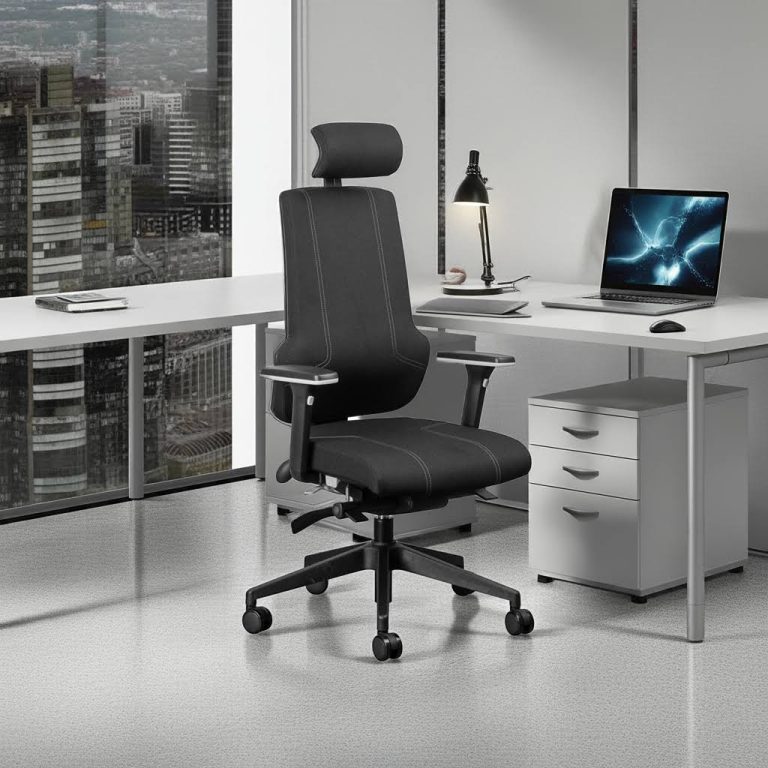
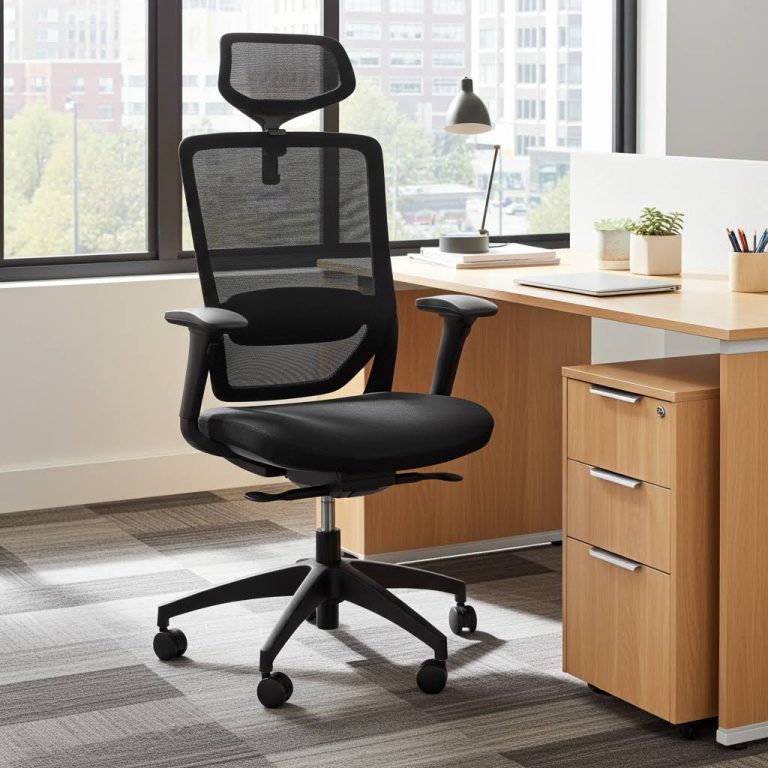
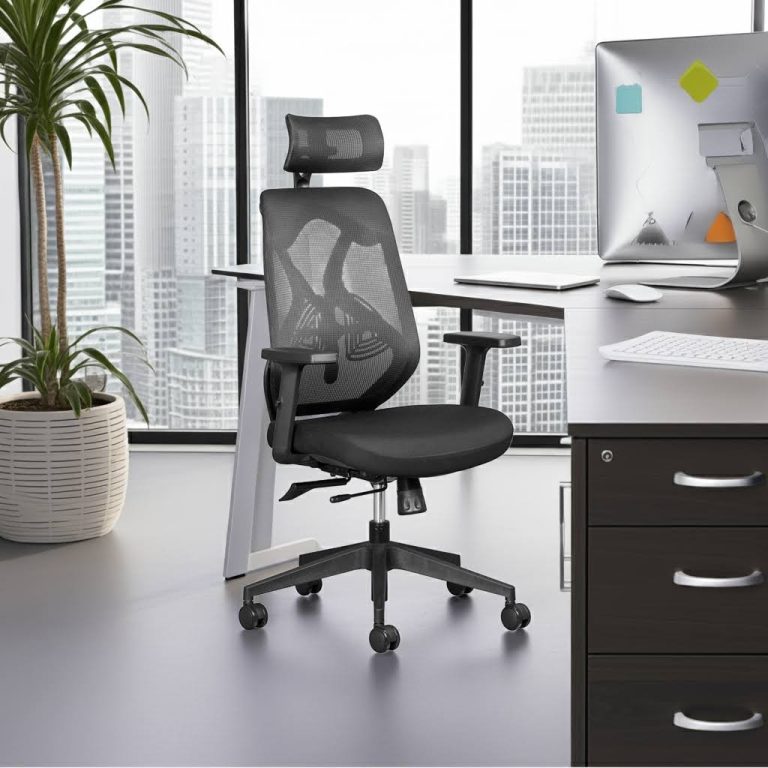
- If you’re generally healthy and do not have any specific medical condition and you want a comfortable office chair that prevents back pain, choose an ergonomic chair.
- If you have a diagnosed spinal condition, chronic back pain or are recovering from surgery, consult your healthcare professional before choosing a chair. In many such cases, an orthopedic chair is usually the better choice.
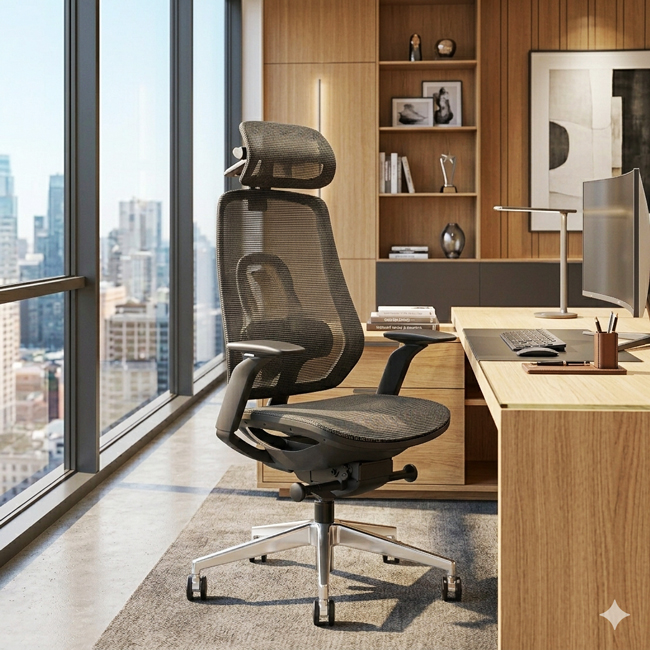
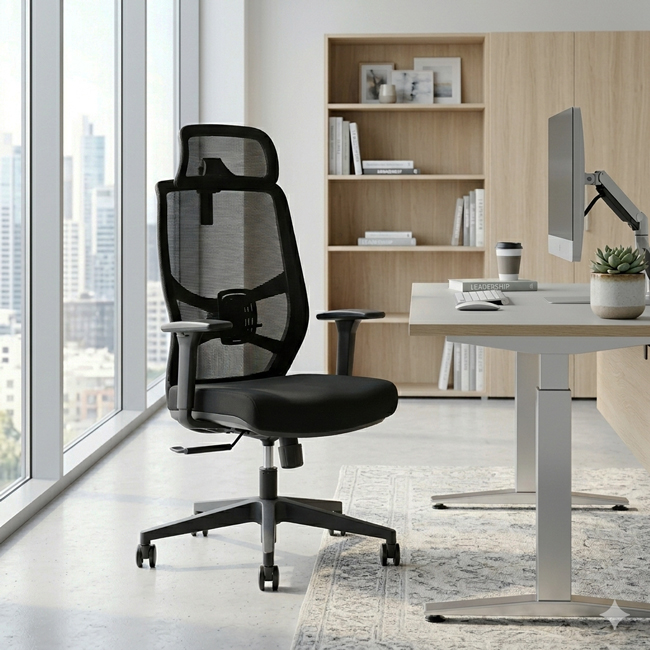
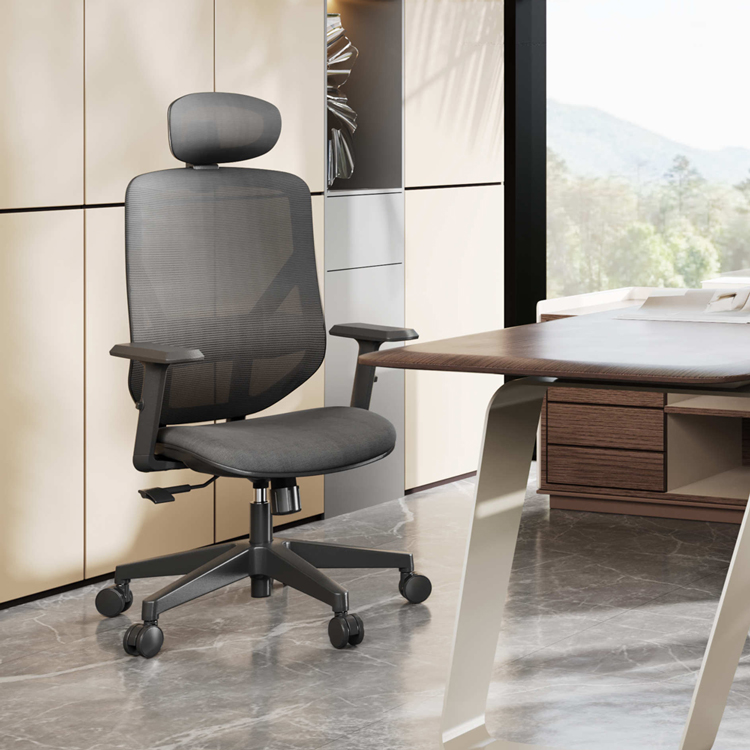
Orthopedic vs Ergonomic Office Chairs: What’s the Difference and Which Should You Choose?
2. What is the weight rating of the chair?
Chair components such as the gas lift, mechanism, castors and base are designed with a specific weight rating. Exceeding these limits can reduce the lifespan of the chair and may even void the warranty. When comparing chairs, always check:
- Maximum user weight
- Warranty terms
A chair that is correctly rated for your body weight will generally provide better durability, performance and long-term value.
Why This Matters
An office chair is an investment. Choosing a chair that is not designed for your weight may result in premature wear, increased maintenance costs and reduced comfort.

3. What is the best office chair for my desk or table?
If you are using your chair in conjunction with an existing desk, table or counter, you need to measure the height from the floor to the top of the working surface. All task-type office chairs are height adjustable, and the adjustability of the chair must fall within the range of your work surface. Even the best ergonomic chair will perform poorly if it is incompatible with your workstation.
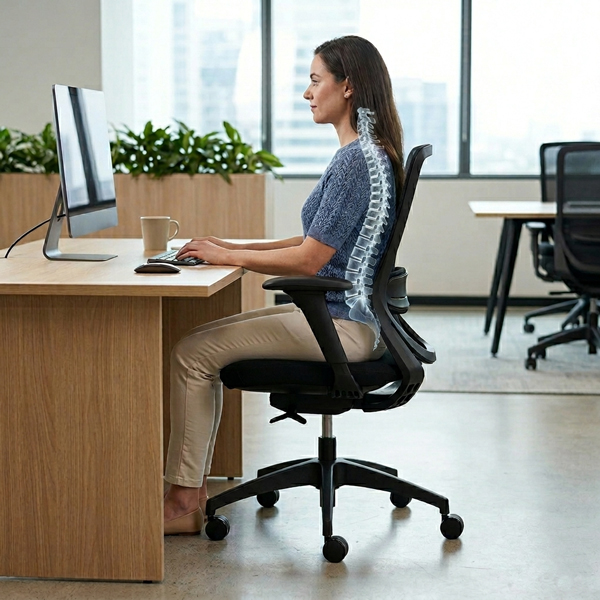
As a rule of thumb, the height of your chair, when measured from the floor to the top of the chair seat, must be 25-30cm below the height of your work surface.
In a seated position, your:
- Feet should be flat the floor or on a footrest
- Knees are slightly lower than the level of your hips
- There should be a 2-3 finger gap between front edge of the seat and the back of your knees
- Back is fully supported by the backrest
- Shoulders are relaxed and elbows bent at roughly 90 degrees
- Armrests are level with the surface of the desk
- Forearms parallel to the floor and supported by the armrests or the surface of the desk
Why This Matters
A poor workstation fit often leads to raised shoulders, bent wrists, neck strain and lower back discomfort.
4. How many hours per day do I sit on my office chair?
An important question and one that’s easy to answer. Over a period of a week, measure exactly how long you sit at your workstation and calculate the average number of hours per day you spend sitting. To provide you with the necessary support and comfort, the longer the time you spend sitting on your chair, the more adjustable features you will require from the chair (see question 5 below).
Sitting for 1 hour a day requires a basic chair with fewer adjustable features. If you are sitting for 6 hours or more per day, you require an ergonomic chair with greater adjustability. Use our Chair Selector to help you make the right choice.
Note: As a general rule you should not sit continuously for longer than 45-60 minutes without getting up and walking around.
Why This Matters
The longer you sit, the more important correct support becomes. Small ergonomic deficiencies can become significant sources of discomfort over an eight or ten-hour workday.
5. What adjustable features must I look for when choosing the best office chair?
a. Height Adjustment
You should be able to set the correct height for yourself and then move the chair into your workstation. For optimal comfort, refer to our guide how to setup your workstation.
b Backrest Angle Adjustment
You must be able to position the backrest of the chair in a way that suits your body and the way you prefer to work. The angle between the backrest and seat of the chair must be adjustable. By altering this angle from an upright to a more reclined position (for e.g. when you are on the phone or talking to someone at your workstation), you automatically stimulate the muscles in your lumbar region of your back. This is known as dynamic sitting.
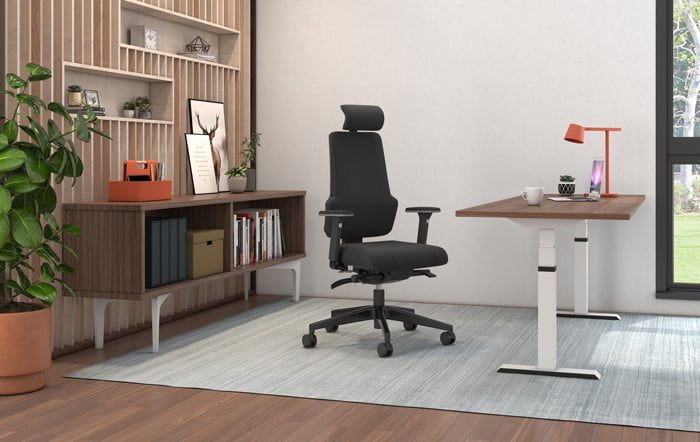
Although not essential, a great additional feature is a backrest that can adjust vertically.
This can provide additional support in the place where you need it most, and thereby reduce the possibility of lower back pain.
c. Adjustable Lumbar Support
We do not all have the same shape of back and we all have slightly different needs when it comes to back support.
The contoured backrest on your office chair should give your back the comfort and support it needs.
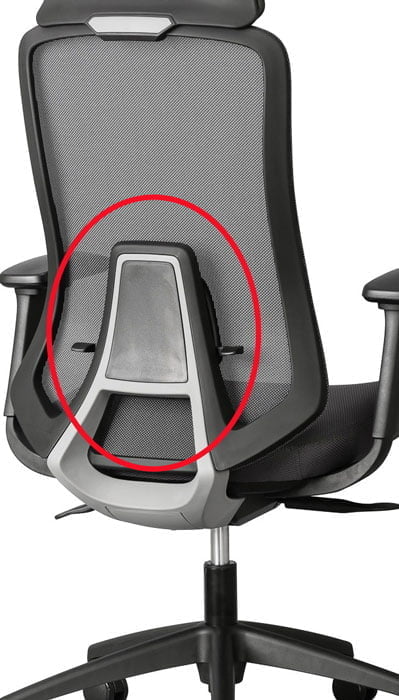
The best affordable office chairs should include a lumbar support that can be adjusted vertically as well as horizontally (depth). Good lumbar support is essential to minimize strain or compression of the lumbar discs in your spine.
d. Adjustable Armrests
Height adjustable armrests are a definite “must-have” when choosing an office chair. Armrests take some of the strain off your neck and shoulders by transferring the force from your head through to your elbows resting on the arm pads. It is crucial that the arm pads are set approximately in line with the top of your desk or workstation.
The best office task chairs in South Africa have multi-adjustable armrests. Height, width and angle adjustments allow you to position the armrest to suit your body. This leads to improved comfort, while making you less likely to slouch.
e. Seat Depth Adjustment
Seat depth adjustment allows the seat to move forwards or backwards to suit different leg lengths. A seat that is too deep can place pressure behind the knees, while a seat that is too shallow may not adequately support the thighs. This feature is particularly important for taller people and in shared workspaces where multiple people use the same chair.
f. Manoeuvrability
The ability to move around in your chair adds to its overall comfort and usefulness. You should be able to swivel and move in your chair so that you can reach documents, files, etc. Chair castors (wheels), give you effortless mobility but make sure to get the right castors for your floor. Nylon castors are suitable for carpet floors, while rubber castors are suitable for hard surfaces like wood, vinyl, tiles and concrete surfaces.
g. Headrests
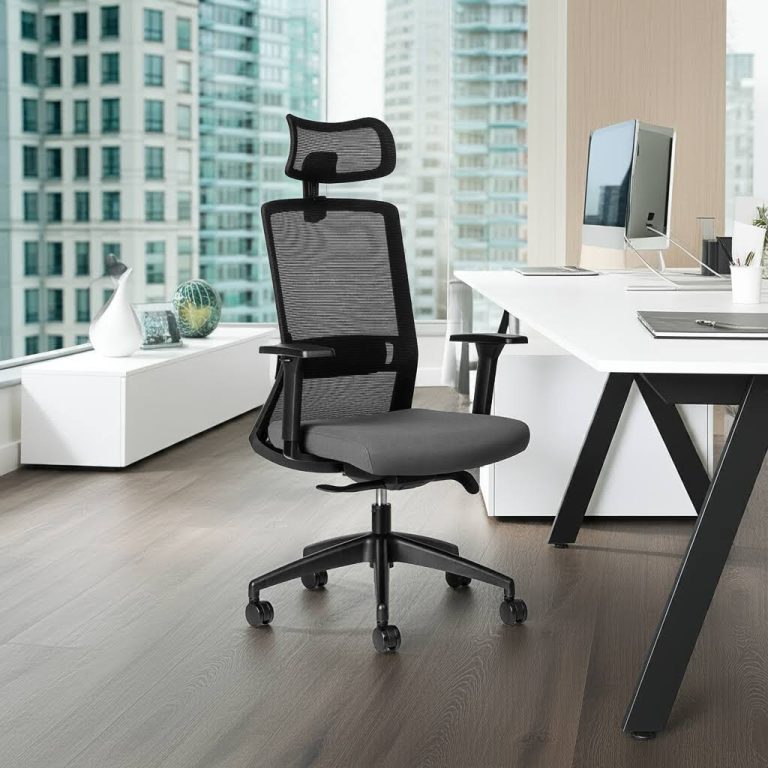
A headrest is a ‘nice to have’ when choosing an office chair. However, in the majority of cases it is ineffective when you are working in an upright position. What I like about a headrest is that it serves as a datum for sitting correctly and improving posture.
Tip: Placing your head back and touching the headrest forces you to push your shoulders into the backrest and lift up your chest. This lifts your diaphragm which enables you to breathe better. Improved breathing leads to better concentration.
Why This Matters
The more adjustable a chair is, the easier it becomes to create a seating position that supports your unique body shape and work habits.
Headrests are also great when taking a few minutes to lean back to relax your head and neck muscles.
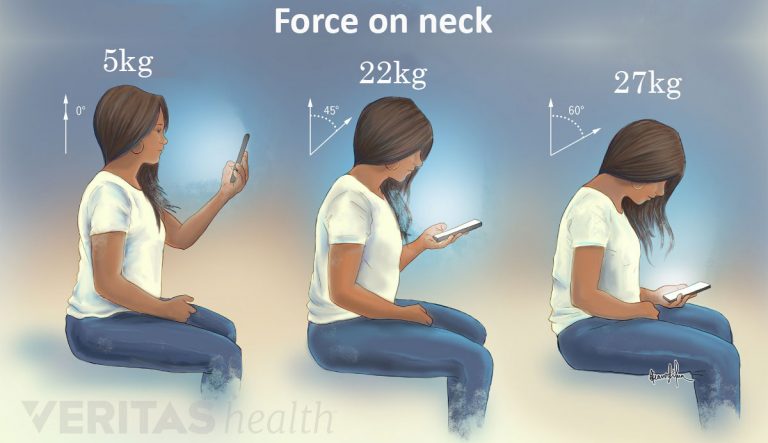
Did you know?
The average a human head weighs 5kg balanced on 7 vertebrae and supported by about 20 muscles.
As you tilt your head forward the weight bearing load can increase 4 times….and you wonder why you have neck pain!
6. What is the price?
This article on how to choose the best office chair would not be complete without a discussion on how affordable it is, especially in South Africa where “price is everything”. Bearing in mind that if your chair does not do its job your body will compensate to a greater or lesser degree. The more your body compensates, the greater the chance of injury and other long-term health problems.
The cheapest chair is rarely the most economical. A chair that lasts ten years and supports healthy posture often delivers a lower cost per year than replacing a low-quality chair every two or three years.
Common Office Chair Buying Mistakes
After helping South African organisations select office seating for decades, these are the most common mistakes we see:
- Choosing a chair based on appearance rather than adjustability.
- Buying a chair that does not fit the workstation.
- Ignoring weight ratings.
- Choosing the cheapest option instead of considering long-term value.
- Failing to adjust the chair correctly after purchase.
Avoiding these mistakes will significantly increase your chances of choosing a chair that remains comfortable and supportive for years.
Conclusion
The best office chair is the one that fits your body, workstation and daily working habits. Before making a purchase, assess:
- Any existing pain or injuries
- Weight requirements
- Desk compatibility
- Daily sitting time
- Required ergonomic adjustments
- Available budget.
By answering these six questions, you can confidently narrow your options and choose a chair that supports your comfort, productivity and long-term wellbeing.
Still unsure which chair is best for you?
By the same author:

How to Compare Ergonomic Office Chairs Using the Ergonomic Rating System
The Ergonomic Rating is a scientific evaluation system that objectively rates the ergonomic features of a chair on a 1 to 5 scale.

Heavy-Duty Laboratory Chairs and Stools
Chairs and stools used in laboratories are quite different to normal office chairs. What is a heavy-duty lab stool?

Ergonomic Chair Setup Guide: 8 Mistakes To Avoid
Revamp your workspace with a new ergonomic chair! Check out these 8 setup tips for a smooth and healthy experience.